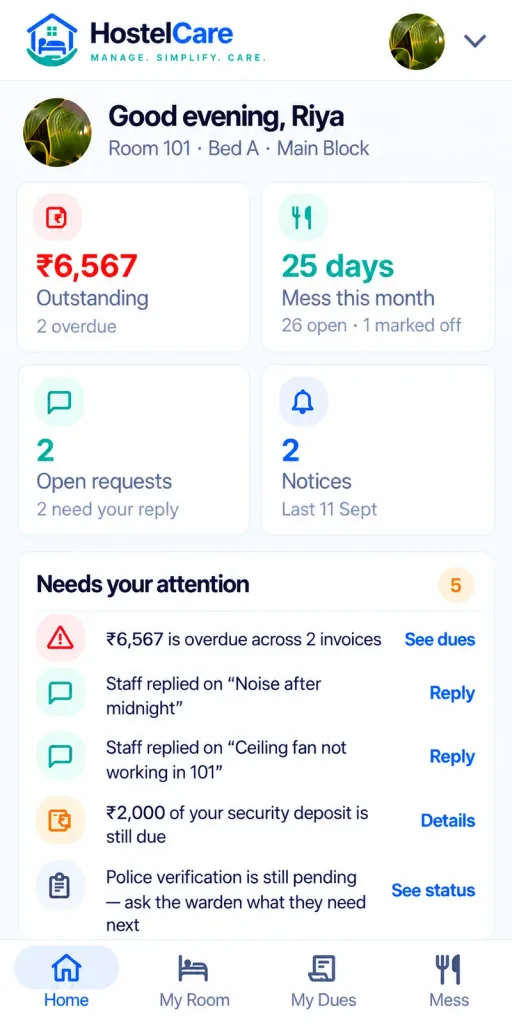
Is the HostelCare app available for Android and iPhone?
+
Yes. You can download it from Google Play for Android and from the App Store for iPhone.
Can I use the same account on Android and iPhone?
+
Yes. Both apps use your HostelCare account. Sign in with the same details on either phone.
How do I download the HostelCare app?
+
Search for HostelCare on Google Play (Android) or the App Store (iPhone), or use the store buttons on this page, install the app and sign in with the details your hostel gave you.
Who can use the HostelCare app?
+
Residents, wardens and staff of hostels that use HostelCare. Your hostel office creates your account.
Do I need the app to use HostelCare?
+
No. The dashboard works in a web browser. The app adds convenience for daily tasks.
I installed the app but cannot sign in. What should I do?
+
Check the login details with your hostel office, update the app and try again. If the problem continues, contact HostelCare support.
Can I pay my hostel fees in the app?
+
Yes, if your hostel has turned on online fee payment. Receipts are generated automatically.
Does the app show hostel notices?
+
Yes. Notices sent by your hostel appear in the app. Turn on notifications to receive them quickly.
How do I delete my account?
+
Use the account deletion page on the HostelCare website.
My hostel does not use HostelCare. Can I still download the app?
+
You can install it, but you need an account created by a hostel that uses HostelCare. Hostel owners can book a demo to get started.